Real estate listings
Buyers click a room to see photos, dimensions and finishes. Developers present whole buildings with a hotspot per unit.
Use case
Interactive-img turns any floor plan image into an engaging, clickable experience. Upload your plan, mark rooms and points of interest, and embed the result on your website in minutes. No design or coding skills required.
Live demo: click the markers
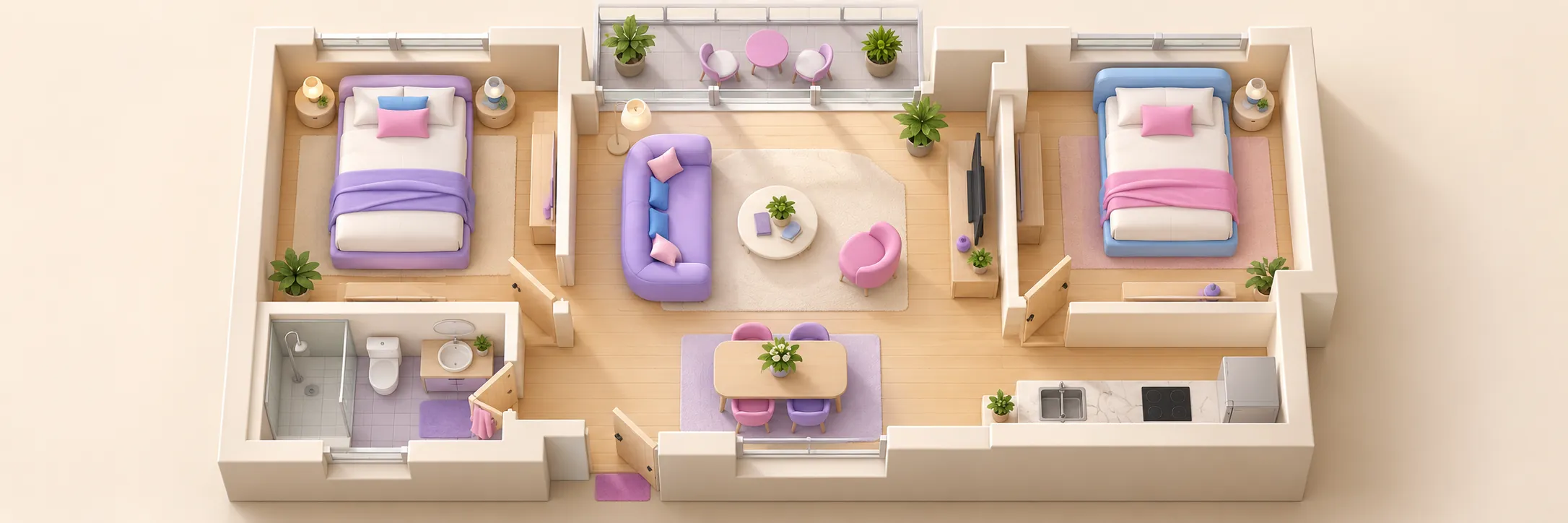
Buyers click a room to see photos, dimensions and finishes. Developers present whole buildings with a hotspot per unit.
Show guests where the pool, the restaurant and the meeting rooms are, with a picture and a booking link in every popup.
Interactive site maps for visitors, new employees and event guests, embedded in the intranet or on the website.
A hall plan where every stand is clickable, linking to the exhibitor's profile.
Upload a plan, add hotspots and embed it on your site. Free to start.